


AI agents and legacy code: how to use them without breaking what works
Context, boundaries and characterization tests: three pillars for letting AI agents work on legacy code safely. With a hands-on Rails upgrade.
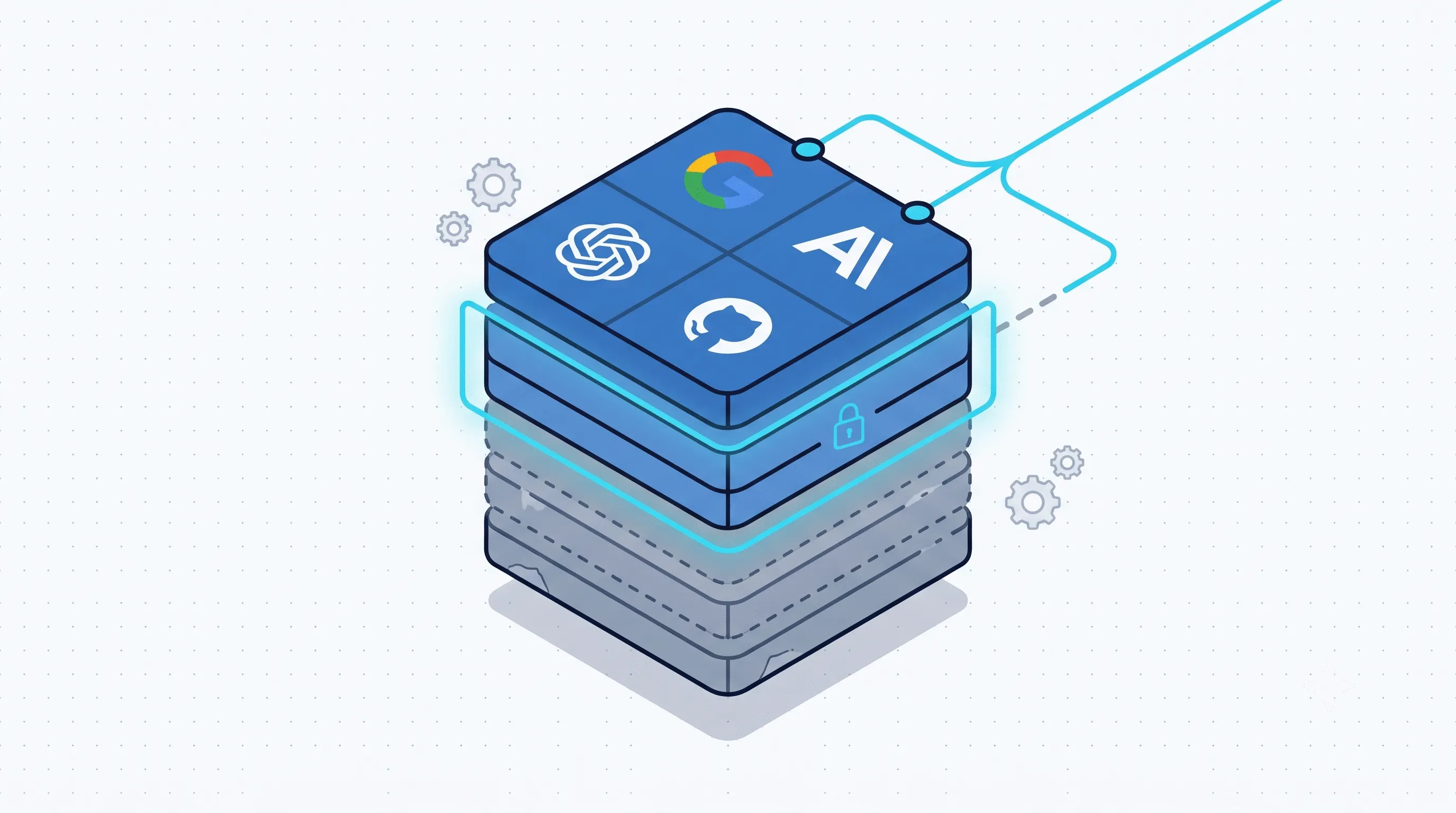
Legacy code is software that has been around for years, produces value every day and contains decisions nobody in the company remembers anymore. More often than not it is an application with ten years of rules that evolved together with the business, tangled dependencies and tests that cover only part of the system.
Almost everything written about AI coding agents is about new projects. This article is about existing code. It does not explain how to ask an agent to write a function, but how to stop it from breaking the billing system while it updates a dependency. In this article we describe the method we follow, in three pillars: context, boundaries and characterization tests. To illustrate it we will use a hands-on case: upgrading a Ruby on Rails application from version 6 to 8.1.
Why legacy code is the real test
Most of the software that keeps a company running is not new. It is the ERP, the billing system, the customer portal written years ago and grown one piece at a time. If AI agents are to be useful in a company, that is where they have to work: understanding, maintaining, upgrading. It is the work nobody wants to do by hand and the work the tutorials never show.
A tutorial never matches real code
The format is always the same: an agent writes a to-do list app in five minutes, the video ends and everything looks perfect. It is an application built under the best possible conditions: the code is five minutes old, a single author wrote it, and it all fits in three files. No shortcut taken years earlier, no convention half-followed, no tangle to unpick.
Your code is the opposite. The agent that brilliantly built the tutorial application has never seen two modules that call each other, written in 2016 by someone who no longer works at the company. What the tutorial proves is not that the agent can work on your system: it is that the agent can work where there is nothing to break yet.
The invisible debt
In legacy code, documentation, when it exists, describes the system as it was three versions ago. The truth is in the code, and the code says what it does, not why. Tests, if there are any, cover the paths someone had time to cover.
So an agent enters a system whose expected behaviour nobody, neither the person nor the machine, knows in full. The question is not “can the agent write good code?”. The question is: what happens when it writes it without knowing what must not change?
The risk: the silent regression
We call a silent regression a change in behaviour that passes code review, passes the automated tests and is discovered in production. It is not a syntax error: the code is clean, the names make sense, the change looks reasonable. The agent “understood” a business rule that did not exist, or simplified an edge case someone had handled on purpose.
The problem is not the quality of the model. The problem is putting a probabilistic tool to work on a system that should be deterministic, and whose correct behaviour nobody ever pinned down.
An example: the agent touches billing
Imagine a harmless task: “move the rounding logic into a shared function”. The agent finds three places where rounding happens, unifies them into an elegant function, updates the calling code. Forty lines changed, code review in two minutes.
One of the three places, though, rounded down rather than to the nearest, because a tax rule in one specific market requires it. There was no comment. There was no test. There was just a floor where the others had round, and the agent read it as an inconsistency to fix.
This is a made-up case, but the scenario is realistic: an undocumented rule, a missing test, a change that looks like an improvement. The first to notice would be the customer, weeks later, with one cent wrong on every invoice line.
Too many tools, no shared rules
There is a second risk, less dramatic but more widespread. In 2026 a distributed team does not have “the AI tool”: it has Copilot for autocomplete, Cursor for those who live in the editor, Claude Code for heavy work from the terminal. Three agents, three instruction files, three versions of “how we do things here”.
Without shared rules every agent gets a slightly different context and makes slightly different decisions. The repository accumulates diverging conventions faster than a person can reconcile them. In this scenario AI does not reduce technical debt: it multiplies it.
First pillar: context
A new hire does not just get the repository credentials. They get an onboarding: which modules are untouchable, which conventions are negotiable, who decides what. An agent needs the same treatment, in a form it can read.
One file per tool, domain rules written once
Every tool reads its own instruction file, and the temptation is to duplicate everything everywhere. That is a mistake: domain rules should be written once.
| File | Who reads it | What it contains |
|---|---|---|
AGENTS.md |
Neutral format, read by several tools | Shared domain rules, repository map, critical areas |
CLAUDE.md |
Claude Code | Conventions specific to that tool: commands, hooks, workflows |
.cursorrules |
Cursor | Writing and style preferences in the editor |
The rule is simple. If an instruction applies to any agent (“the billing/ module is not touched without approval”), it goes in the neutral file. If it applies to one tool only (“use bin/rails test, not rspec”), it goes in that tool’s file.
The main file points, the domain files explain
In large repositories it pays for the main file not to contain the rules, but to say where to find them:
/
├── AGENTS.md            ← domain map and pointers
├── CLAUDE.md            ← "read AGENTS.md, then the Claude-specific rules"
├── .cursorrules         ← "read AGENTS.md, then the Cursor-specific rules"
├── billing/
│   └── AGENTS.md        ← billing domain rules
├── inventory/
│   └── AGENTS.md        ← inventory domain rules
└── legacy_reports/
    └── AGENTS.md        ← "read-only, see Boundaries"
The main file tells every agent where to look. The domain files say what applies in there. The tool files add only what is specific. When the team changes tool, one file changes, not twenty.
Helping an agent understand a system that does not fit in its head
Context has a physical limit: an agent reads a finite amount of text per session, and a ten-year-old application does not fit. Asking it to “understand the system” in one go produces shallow summaries and misplaced confidence.
Working in layers is better. The main file holds a map of the repository: which folders contain what, where the entry points are, which tables matter. It is one page, not a treatise, and the agent reads it every session. Then you work one module at a time: you ask the agent to read a single area and write down what it does, what calls it and what it calls, without changing anything. That summary, corrected by someone who knows the system, becomes that area’s domain file. In the next session the agent does not start from scratch: it starts from the map and the summaries, and reads the code only where needed.
It is the same work a new colleague does in their first month, except the agent writes all of it down and keeps none of it in its head.
Second pillar: boundaries
An instruction file contains guidance. A language model follows them the vast majority of the time, but “the vast majority of the time” is not an acceptable threshold for the billing system, where the rules have to hold “always”.
We call boundaries the areas of the repository where the agent can read but not write, and where the ban is enforced by something other than a text instruction. They are built in layers, and no single layer is enough.
First layer: the tool’s permissions
Claude Code lets you forbid edits to specific paths in the project’s configuration file, versioned with the code and therefore valid for the whole team:
{
  "permissions": {
    "deny": [
      "Edit(./billing/**)",
      "Edit(./legacy_reports/**)"
    ]
  }
}
A few lines are enough: the agent can read those folders, but every write attempt is refused before it reaches the disk. Other tools have similar mechanisms; the principle is the same.
Second layer: a hook that logs and decides
If you need more flexibility (logging attempts, blocking only certain file types, asking for confirmation), Claude Code offers hooks: small programs that run before the agent uses a tool. A PreToolUse hook on Edit and Write receives the path the agent wants to change and can stop it.
{
  "hooks": {
    "PreToolUse": [
      {
        "matcher": "Edit|Write",
        "hooks": [
          { "type": "command", "command": "./scripts/check-boundaries.sh" }
        ]
      }
    ]
  }
}
#!/usr/bin/env bash
# check-boundaries.sh: block and log writes to protected areas
path=$(jq -r '.tool_input.file_path')
case "$path" in
*/billing/*|*/legacy_reports/*)
echo "$(date -Iseconds) write attempt: $path" >> .agent-audit.log
echo "BOUNDARY: $path is a protected area. Human approval required." >&2
exit 2 ;;
esac
exit 0The advantage is that the hook acts on intent, so it leaves a trace: at the end of a session you know how many times the agent tried to go where it should not, which tells you a lot about how well it understood the system. The limit is that it works for one tool only. Names and formats change often: the documentation must always be checked and kept up to date.
Third layer: the file system
The last layer is the simplest and works with any agent, present or future: remove write permission from the files, keeping read permission and access to the folders.
find billing legacy_reports -type d -exec chmod 555 {} +
find billing legacy_reports -type f -exec chmod 444 {} +
The agent reads, analyses, proposes. If it tries to write, it fails, and the failure is information: it was touching something it should not have. The change then goes through an explicit channel: a person who lifts the block, or the continuous integration pipeline that applies the change only after the tests pass.
It is worth being clear about what this layer does not do. An agent with shell access can restore the permissions itself, and Git does not preserve them: the block applies on the machine where it was set and does not propagate to colleagues or servers. It is not a barrier against an agent that wants to get around it; it is a net for an agent that makes a mistake. In practice that is by far the more common case, which is why the layer is worth having.
Together the three layers are a layered defence: permission rules give a guarantee shared by the team, the hook gives visibility, the file system covers the tools that offer neither.
Third pillar: characterization tests
Boundaries tell the agent where it cannot go. They say nothing about what it can do where it can go. For that you need a net: a way to know, automatically, whether the visible behaviour of the system has changed.
In legacy code this net usually does not exist, and the instinct is to have the agent build it while it changes the code. That is the wrong order. The agent’s first task on an existing system is not to write logic: it is to take a snapshot of the current behaviour and pin it down.
Snapshotting inputs and outputs
Michael Feathers, in Working Effectively with Legacy Code, calls them characterization tests: tests that do not check that the system is correct, but that it behaves as it did yesterday. You take a representative input, record the exact output, and from then on every change has to reproduce it byte for byte. When the output is a whole document, such as an invoice, this is also known as a Golden Master.
RSpec.describe InvoiceCalculator, :characterization do
  Dir["spec/fixtures/invoices/*.json"].each do |fixture|
    it "reproduces the recorded output for #{File.basename(fixture)}" do
      input  = JSON.parse(File.read(fixture))
      golden = File.read(fixture.sub(".json", ".golden"))
      expect(InvoiceCalculator.new(input).render).to eq(golden)
    end
  end
end
For those who do not read Ruby: the test takes every sample file in the folder, computes the invoice and compares it character by character with the previously saved version. If it differs by even one cent, the test fails.
Here the agent excels: generating hundreds of test cases from anonymised production data is volume work, and volume is its strength. The human value lies elsewhere: choosing which paths to snapshot.
The cycle becomes: record the outputs, save the reference, let the agent work, compare. If the comparison is not identical there are two possibilities: the agent got it wrong, or the reference needs a deliberate update. Either way the regression is no longer silent.
Reviewing the agent’s work
Tests tell you whether something changed; they do not tell you whether the change is good. That part stays with a person, and in the billing example the two-minute code review was precisely the weak link.
With agent-generated code it pays to change how you review. You do not read the change asking “is it well written?” (it usually is) but “what did this piece do before, and why?”. Every deleted line deserves more attention than every added one: that is where the deliberate floor disappears. And changes should be made a little at a time: a forty-line change gets read properly, a four-hundred-line one gets approved out of exhaustion.
Feeding discoveries back into the domain files
Every session of this kind produces knowledge: the agent discovers that the floor was not a mistake, that a field called status_2 is actually the tax status, that a table has been called tmp_orders since 2017 and is the main table.
That knowledge goes into the domain file (billing/AGENTS.md), not left to disappear at the end of the session. It is the point where the three pillars meet: tests discover the domain, the domain goes into the context, the context improves the next sessions. After a few cycles the agent knows more about your system than the last expert colleague did before leaving.
Hands-on case: upgrading Ruby on Rails from 6 to 8.1
From Rails 6.0 to Rails 8.1 there are six steps: 6.1, 7.0, 7.1, 7.2, 8.0, 8.1. The temptation is to rewrite everything, and rewrites are where projects die. The approach that works is gradual, one version at a time, with the three pillars active.
Two versions side by side with next_rails
The next_rails library lets you keep two Gemfiles, the current one and Gemfile.next, and run the application and the tests on both versions.
bundle add next_rails
next --init                     # generates Gemfile.next
# in Gemfile.next: gem "rails", "~> 6.1.0"
next bundle install
next rails test                 # tests on the new version
bin/rails test                  # tests on the current version
It is the same logic as characterization tests, brought to the framework level: the old version is the reference, the new one is the candidate. Until the tests pass on both, you do not move on.
The flow, step by step
- The developer bumps
Gemfile.nextby one version and runsnext rails test. - The agent receives the list of deprecation warnings and failing tests, with boundaries active on
billing/and the other critical areas. - The agent fixes one deprecation at a time, on a separate branch, and every change is checked against both test suites.
- When the tests pass, the developer bumps
config.load_defaultsby one version, never more, and the cycle starts again. - What the agent learned about the domain goes into the
AGENTS.mdfiles. - When
Gemfile.nextis at 8.1 and the tests pass, the twoGemfiles are merged.
The agent’s work is mechanical and voluminous: renaming calls, updating configuration, adapting tests. The developer’s work is deciding when to move on and what not to touch. The same structure applies to Laravel, Django or any application with a long version history.
Where to start: our checklist
The right question is not “can AI write code?”. The answer has been yes for years. The question is “how do I stop the agent from breaking something it had no context for?”. In order of adoption:
- A main
AGENTS.mdwith the repository map and pointers to the domain files. - A domain file for every critical area, with the business rules made explicit.
- Permission rules in the tool that forbid writes to protected areas.
- A hook that logs blocked write attempts.
- Read-only permissions on the file system, for tools that offer neither 3 nor 4.
- Characterization tests on critical business paths, generated by the agent and chosen by a person.
- Small changes, and a code review that looks at deleted lines first.
- An explicit step that feeds the agent’s discoveries back into the domain files.
- For upgrades: two versions side by side and one step at a time, no merge without green tests on both.
Start with a question about your own repository: which areas are your billing/? If the answer takes more than ten minutes, that is where the agent will do its first damage.
In conclusion
The three pillars are not an invention of the agent era. Written context, boundaries that cannot be ignored and tests that capture current behaviour are the same things that keep a ten-year-old system maintainable without any AI at all. The agent doesn’t change the problem: it speeds it up, and along with the work it also speeds up the damage when those three pillars are missing. That is why the checklist starts from your billing/ and not from the tool: the tool is the easy part.
All of this has a cost, and it’s worth saying so: more test runs in continuous integration, one extra step at the end of each session to feed what you’ve learnt back into the domain files, slower reviews because they have to look at the why and not just the how. You keep it in check by limiting characterisation tests to the paths that really matter, and it is still lower than the cost of a silent regression discovered by a customer. But the gain is not going faster. It is that when something changes in your billing/, you know before the customer does.